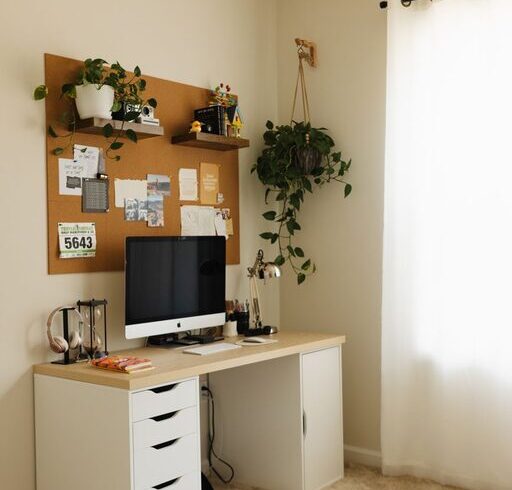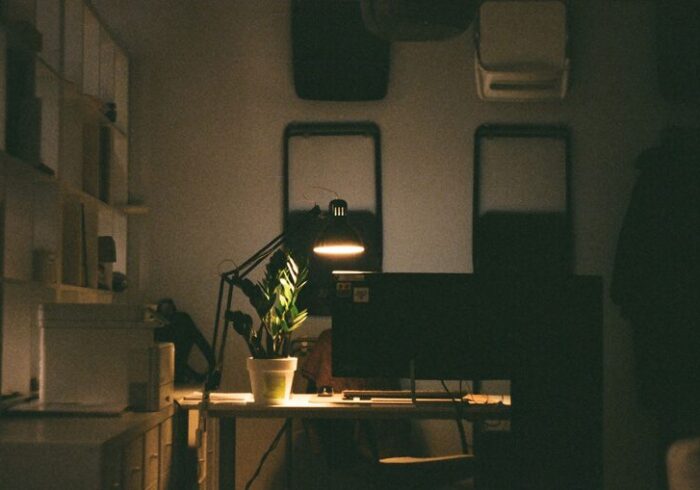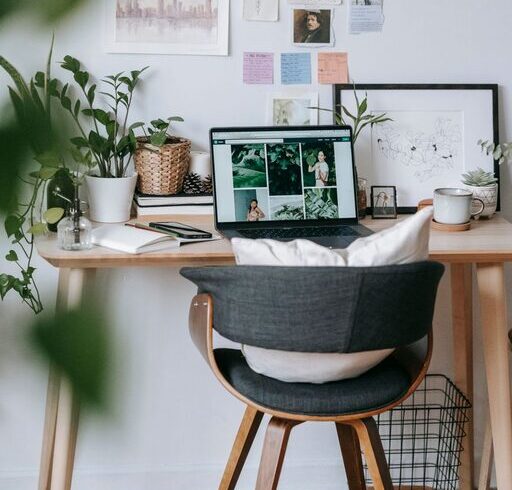
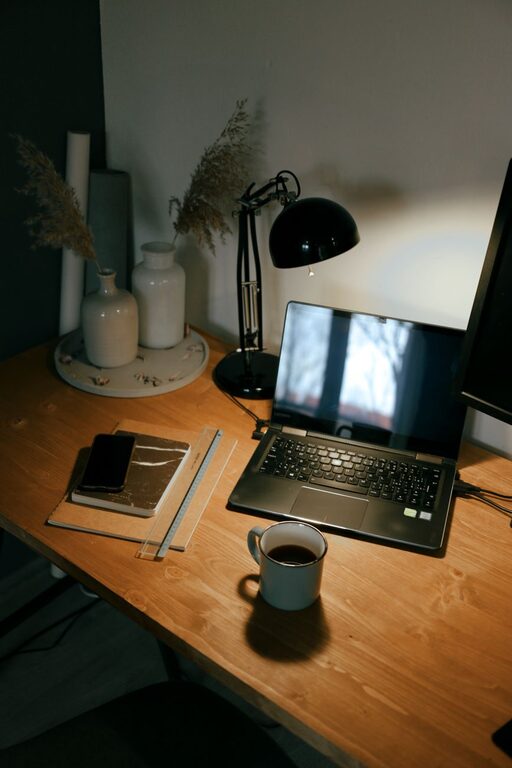
Creating a cozy and functional home office space is essential for staying productive and comfortable while working from home. Whether you have a dedicated room or just a small corner, thoughtful design can help you feel motivated and minimize distractions. In this post, we’ll explore practical tips to help you set up a home office that suits your needs and enhances your work experience.
Choose the Right Location
Quiet and Private Spot
Select a place in your home that offers some privacy and minimal noise. This might be a spare bedroom, a nook in the living room, or a corner in your bedroom. The goal is to reduce distractions while providing a dedicated space that signals “work mode” to your brain.
Consider Natural Light
Natural light can boost mood and focus, so try to position your desk near a window. If natural light isn’t an option, pick warm, soft artificial lighting that is easy on the eyes.
Invest in Comfortable and Ergonomic Furniture
Ergonomic Chair
A good chair supports your posture and reduces strain during long hours of work. Look for a chair with adjustable height, lumbar support, and comfortable cushioning.
Desk Height and Size
Choose a desk that fits your space but also provides enough surface area for your computer, notebook, and other essentials. Adjustable desks or standing desk options can be a great way to vary your posture throughout the day.
Organize Efficiently
Declutter Your Space
Keep your desk clean and free of unnecessary items. A clutter-free environment helps maintain focus and reduces stress.
Storage Solutions
Use shelves, drawers, or organizers to keep supplies and documents neatly stored and easily accessible. Label containers or use clear bins to quickly find what you need.
Personalize Your Space
Add Personal Touches
Incorporate artwork, plants, or meaningful objects that make the space feel welcoming and inspiring. A few personal items add warmth without overwhelming your work area.
Use Color Wisely
Choose calming colors like soft blues, greens, or neutrals to promote relaxation and concentration. If you prefer bolder colors, add them through accessories such as cushions or wall art.
Manage Technology Smartly
Cable Management
Tidy cables with clips, sleeves, or under-desk trays to avoid a tangled mess and free up workspace.
Essential Equipment
Ensure you have the tools you need, such as a reliable computer, printer, and a good-quality headset or speakers for calls. Position your monitor at eye level to avoid neck strain.
Improve Air Quality and Comfort
Ventilation
Good airflow is important for comfort and alertness. Open windows when possible or use fans and air purifiers to keep the air fresh.
Temperature Control
Keep a blanket or heater nearby for colder months or use a small fan for warmer days. Maintaining a comfortable temperature helps you focus better.
Create a Routine-Friendly Environment
Set Boundaries
Design your office space to differentiate work from relaxation areas. This might mean closing a door or arranging furniture to create a clear separation.
Keep Essentials Within Reach
Place frequently used items like notebooks, pens, or your calendar close to your desk to reduce interruptions during work.
Lighting Tips for Productivity
Layered Lighting
Combine ambient, task, and accent lighting to reduce eye strain and create a pleasant atmosphere. A desk lamp with adjustable brightness is a valuable addition.
Avoid Glare
Position your computer screen to reduce glare from windows or overhead lights. Consider using an anti-glare screen protector if needed.
Minimize Noise and Distractions
Use Noise-Canceling Tools
Headphones or white noise machines can help block out background sounds and improve concentration.
Inform Household Members
Set clear expectations with family or roommates about your working hours and space to minimize interruptions.
Final Thoughts
Designing a cozy and functional home office doesn’t mean you have to spend a lot or have a large space. With some planning and thoughtful choices, you can create a work area that feels inviting, organized, and tailored to your style. A well-designed home office supports better focus, reduces stress, and makes working from home a more enjoyable experience. Start small, experiment with what works best for you, and enjoy the benefits of your personalized workspace.